
How to use Bitget CFD private copy trading: A guide for elite traders
Bitget CFD private copy trading is an invitation-only copy trading model that allows only users proactively invited by elite traders to copy trades, rather than being publicly available to everyone. This feature officially launched on July 29, 2026, and is designed to help CFD elite traders manage copiers more precisely, protect trading strategies, track channel conversion results, and operate independently alongside public copy trading programs.
This article provides a detailed guide on how to use Bitget CFD private copy trading, how CFD elite traders invite copiers, and the complete process for CFD elite trader private copy trading.
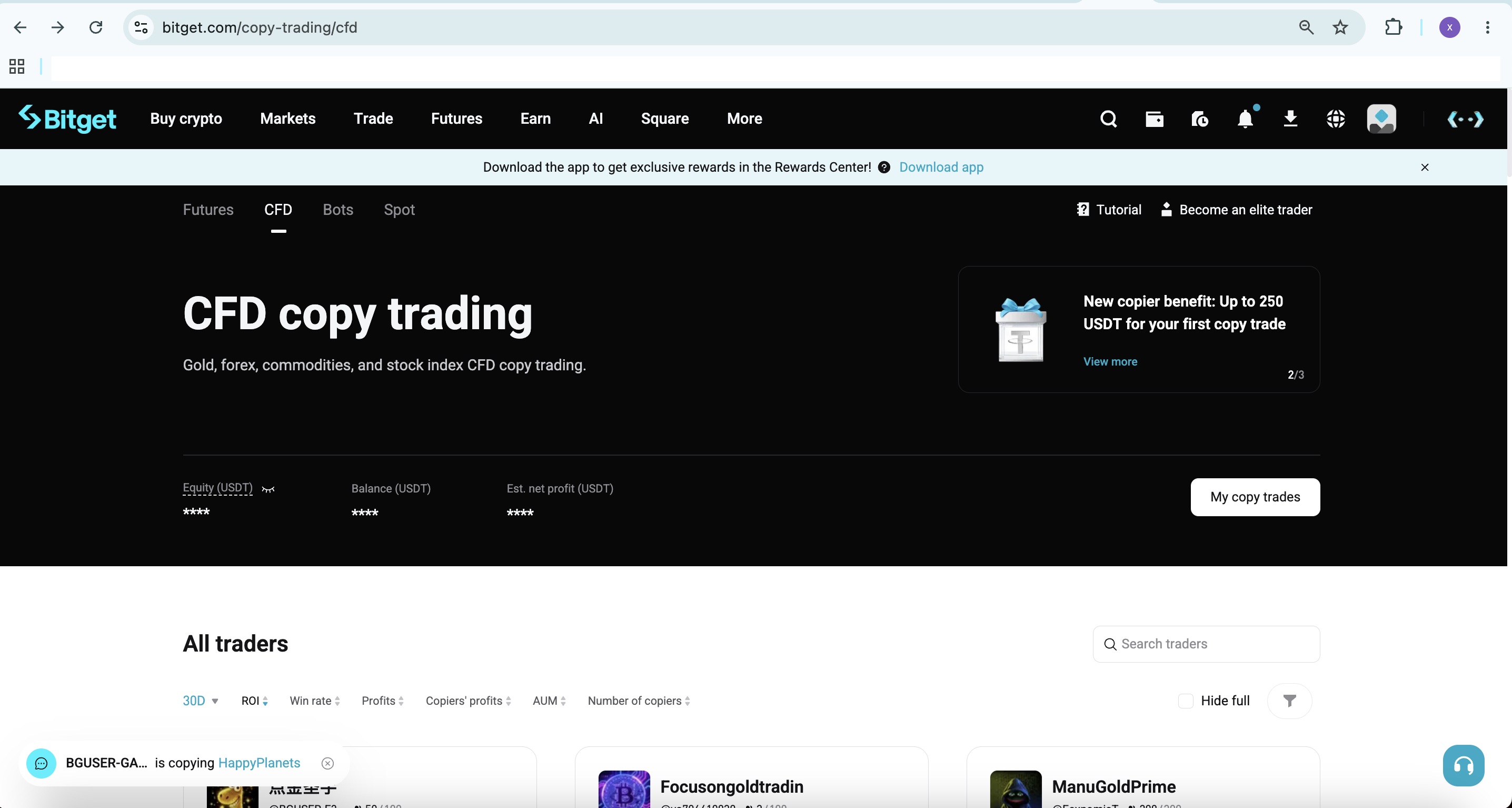
What is CFD private copy trading? Key benefits
Private copy trading is invitation-only: only users who receive a private password or invitation link shared by an elite trader can join and copy trades. Its key benefits include:
-
Strategy protection: Copy trading is limited to invited users, preventing trading strategies from being copied publicly.
-
Channel tracking: Create up to 10 different invitation links and distribute them across different communities or channels to conveniently track conversion results for each channel.
-
Independent dual-track operation: The same elite trader can operate 1 public program and 1 private program at the same time. Their data is calculated independently and does not affect each other.
-
Flexible capacity and management: Private programs support up to 100 copiers by default (separate from the public program limit) and allow copiers to be removed proactively.
The profit share ratio can be set from 0%–50% (positive integers only), and the copy trading amount can be adjusted flexibly.
How to use Bitget CFD private copy trading: Steps for elite traders to create a program
1. Go to the creation page:Open the Bitget App, go to the TradFi page, and tap the copy trading entry (or enter through the copy trading page) to apply to become an elite trader (existing elite traders can proceed directly). On the CFD copy trading program creation page, select the "Private" type.
2. Enter the program details and create the program:Set the profit share ratio (0%–50%, positive integers) and copy trading amount (must meet the minimum requirement, usually by transferring USDT from your spot or funding account), then confirm and tap Create. Note: Each user can create only 1 private program. If you receive a message that one already exists, close your existing private program before creating a new one. Once created successfully, a "CFD (Private)" tab will be added to the Elite Trader Center.
3. Automatic system processing:After creation, the system automatically generates a dedicated MT5 elite trader account (with assets segregated from the main account). Only orders placed in the copy trading area will be copied by copiers.
How CFD elite traders invite copiers
After creating a private program, you can generate invitation links and passwords:
1. Go to the "CFD (Private)" tab in the Elite Trader Center and tap "Create" or "Create invitation."
2. Set the maximum number of invitees for the link (1–100 users).
3. Choose whether to enable the "Only users registered through this invitation can copy trade" switch:
-
Enabled: Only new users who register through this link can copy trade.
-
Disabled: Anyone who obtains the link or password during its validity period can copy trade. This switch cannot be changed after creation, so choose carefully.
4. Tap Generate. The system will generate a unique private password (numbers and letters supported, up to 8 characters) and invitation link. Copy and share them with your target users. Each private program can create up to 10 invitation links for easier management across channels.
Capacity rules: Successfully copying trades through a link once occupies 1 slot. When a copier stops copying, the slot will not be automatically released. They must rejoin using a new slot or another link. Deleting an invitation link does not affect copiers who have already joined successfully.
How copiers join CFD elite trader private copy trading
Copiers can join in either of the following ways:
-
Method 1: Directly tap the private invitation link shared by the elite trader, then open the profile page and configure copy trading.
-
Method 2: Go to the elite trader's profile page and manually enter the private password (numbers and letters, up to 8 characters). After successful verification, you will be taken to the copy trading setup page.
After joining successfully, the Copy Trading Center will display the program with a "Private" tag. Users with older versions of the App must update to the latest version before they can copy trades directly.
Ongoing management for CFD elite trader private copy trading
-
Remove copiers: In the "CFD (Private)" tab, go to the copier list, find the target user, open their details, and tap "Remove." Removal is not subject to asset amount limits.
-
View data: View profit share, number of copiers, ROI, and more in real time in the Elite Trader Center (data is generally updated hourly). Public and private data are calculated independently.
-
Close and recreate: To create a new private program, you must first close the existing one. You can create a new program immediately after closing it.
Notes and FAQs
-
Private and public programs can exist simultaneously, and their data does not affect each other.
-
The channel following feature (for affiliates) must be enabled separately by Bitget. It is not visible to regular elite traders by default.
-
Copy trading is effective only for trades made in the dedicated trading area. Trades in the main account will not be copied.
-
Elite traders are advised to set a reasonable profit share ratio and minimum copy trading amount, and provide appropriate risk disclosures.
Bitget CFD private copy trading focuses on precise invitation-based management and channel tracking through multiple links. Log in to the Bitget App now, go to TradFi or the Copy Trading page to try this feature, and begin your exclusive private copy trading journey.


- What is CFD private copy trading? Key benefits
- How to use Bitget CFD private copy trading: Steps for elite traders to create a program
- How CFD elite traders invite copiers
- How copiers join CFD elite trader private copy trading
- Ongoing management for CFD elite trader private copy trading
- Notes and FAQs